
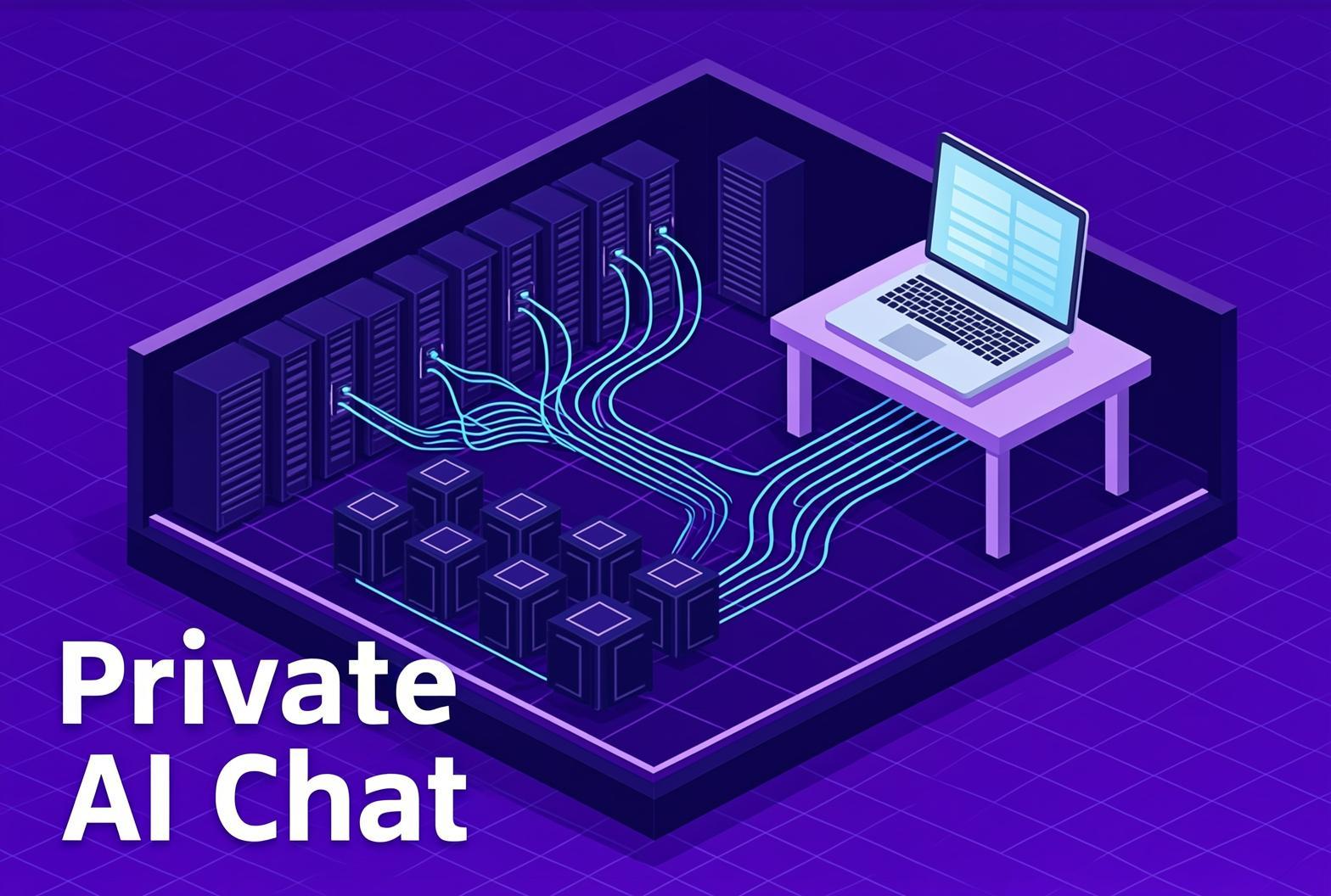
Every team we talk to wants the same thing: a ChatGPT they can actually use at work. And the same thing stops them every time. The contracts, the client files, the source code, the half-written offer letters - none of it is meant to end up on a server in another country, training someone else's model. So people either sneak it in through a personal account, or they quietly don't use it at all.
We've spent the year on the boring half of that problem: the backend. This is the other half. The chat app on the desk, and how a small team points it at hardware it already owns.
A private AI chat stack in three pieces
It's three pieces. Hardware you own. Infersec, sitting in the middle as an OpenAI-compatible backend. And a chat client on each desk - one the team already more or less knows how to use.
Point the client at Infersec. Infersec talks to your hardware. The team gets something ChatGPT-shaped that never sends a prompt to a company they can't audit, and whoever runs IT gets a single endpoint and a single key to look after.
Base URL  https://api.infersec.ai/api/inferencing/<ENDPOINT_ID>/oai/v1
API key   <INFERSEC_API_KEY>
Every client below takes those two values. Nothing else to wire up.
Hardware you probably already own
The expensive version of this story involves a rack of H100s. Forget that version. The interesting thing about modern open-weight models is how little machine they really need.
A Mac mini with an M4 Pro and 48 or 64GB of unified memory - 64GB is delisted from Apple at the time of writing - will hold a serious model and serve a small office without breaking a sweat. One of the new AMD Strix Halo mini PCs - the Minisforum MS-S1 Max with up to 128GB - does the same job when you can catch one in stock, and is the box we keep reaching for. An older gaming rig with a consumer NVIDIA card, a second-hand Mac Studio.. most companies have something like this gathering dust in a cupboard already.
That's the economics. You reuse a machine that's already paid for, or you buy something entry-level - new or used - and it becomes the team's AI stack. No GPU cluster, no three-year cloud commitment, no per-seat licences to a US vendor.
Stays in Europe, stays yours
Point all of this at Infersec. Infersec is a product of Vault Garden Oy, a Finnish company, with Infersec-hosted processing in the EEA on Scaleway infrastructure in the Netherlands. Customer-owned hardware and MCP endpoints can process prompt-related data outside the EU. The pricing is in euros with VAT handled, we don't log prompts or content on the public inference path, and Console chat content is subject to standard-compliant retention periods as described in our Privacy Policy. For a team whose legal department has already decided the American chat giants aren't an option, this is the answer.
It's the bit that makes "use AI on the client data" stop being a conversation that goes round in circles.
Point your team's private AI chat at Infersec
Here's the nice part. Because Infersec speaks the OpenAI API, almost every chat client out there already knows how to talk to it. You're not bolting anything on, and you're not waiting on a vendor to ship an integration. You paste a base URL and a key.
There are two ways to roll this out, and we'll show both. Stand up one shared front-end for the whole team, or hand a desktop app to each person and have them point it at the same endpoint. Four clients worth your time, in roughly that order.
AnythingLLM - the shared team server.
This is the one if you want a single instance the whole office logs into. AnythingLLM runs as a Docker service - multi-user mode is Docker-only - with workspaces you can scope by team or project, and proper document chat with citations - drop a pile of PDFs in and it grounds its answers in them.
Wiring it to Infersec is one screen. Under Settings, LLM Provider, pick Generic OpenAI - the manual option - and paste your endpoint and key.
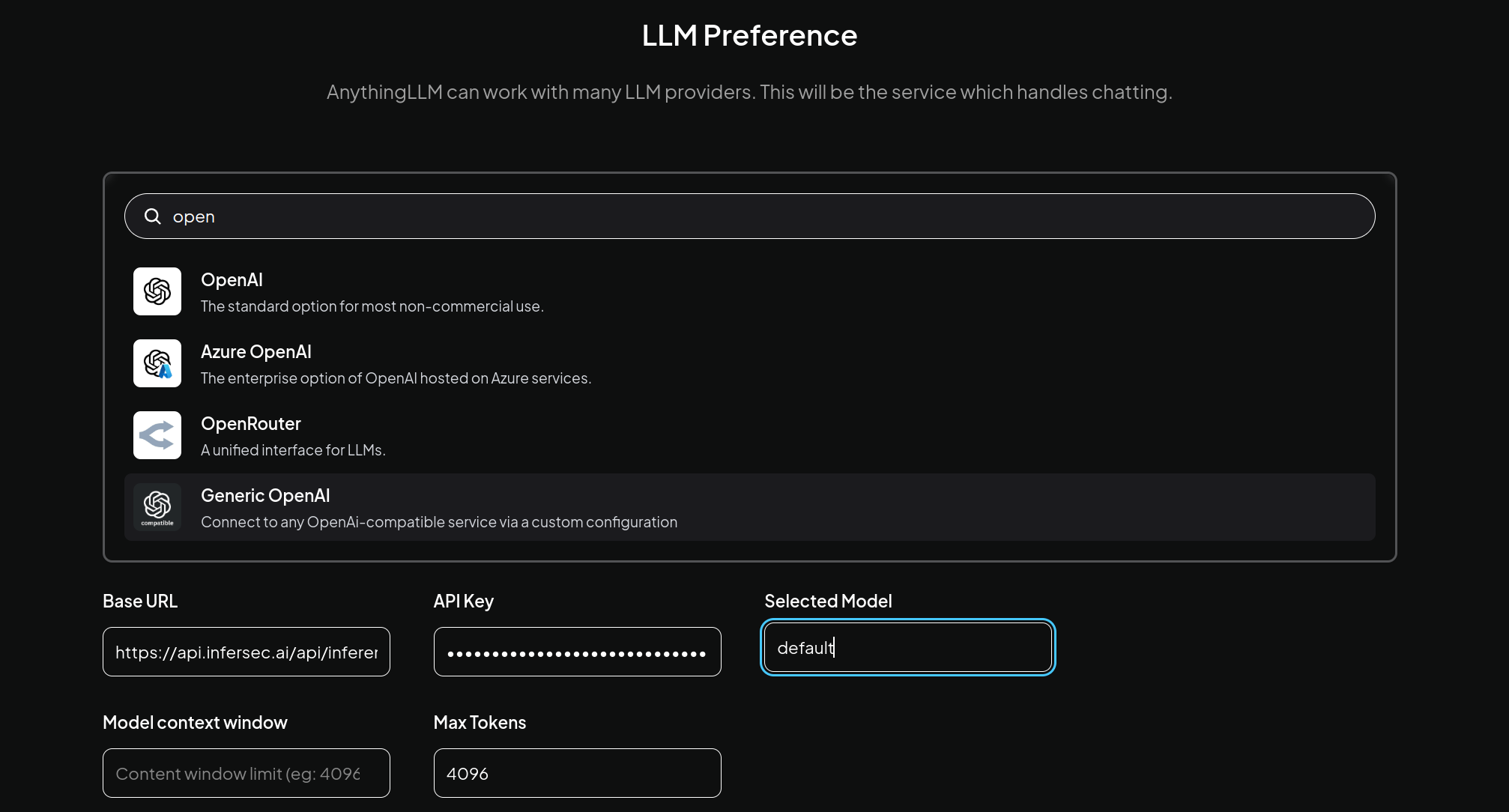
Ask it something against your docs and it answers through your own hardware, with sources.
Chatbox - hand it to everyone.
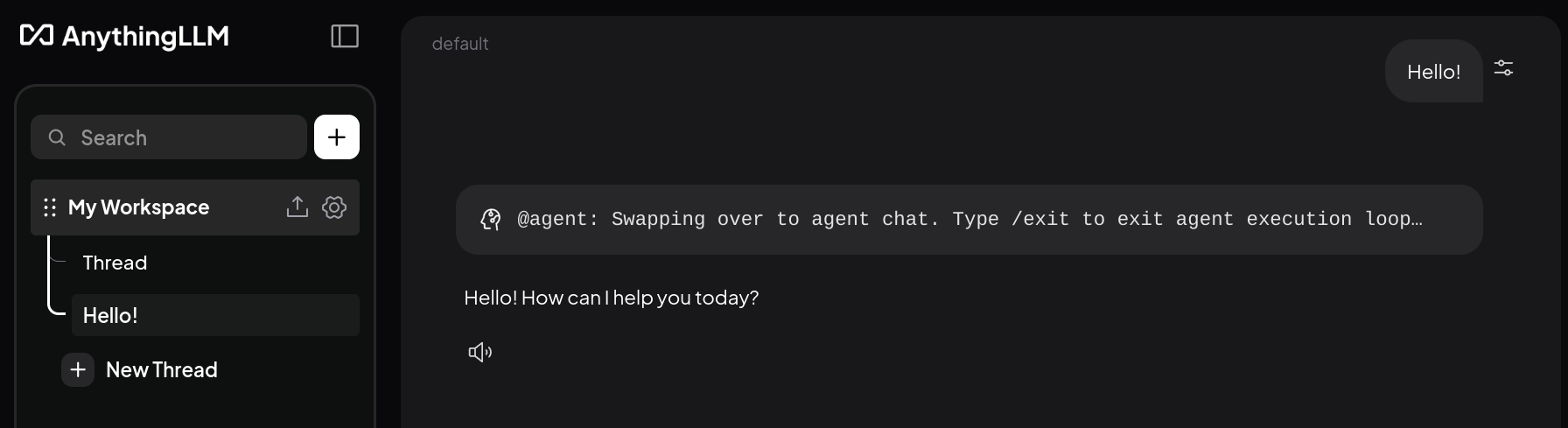
The other shape: instead of one shared server, each person installs Chatbox on their own machine - Windows, macOS, Linux, it's properly cross-platform - and points it at the same Infersec endpoint. It's the cleanest, least opinionated desktop client we've used, and the data stays local to each device.
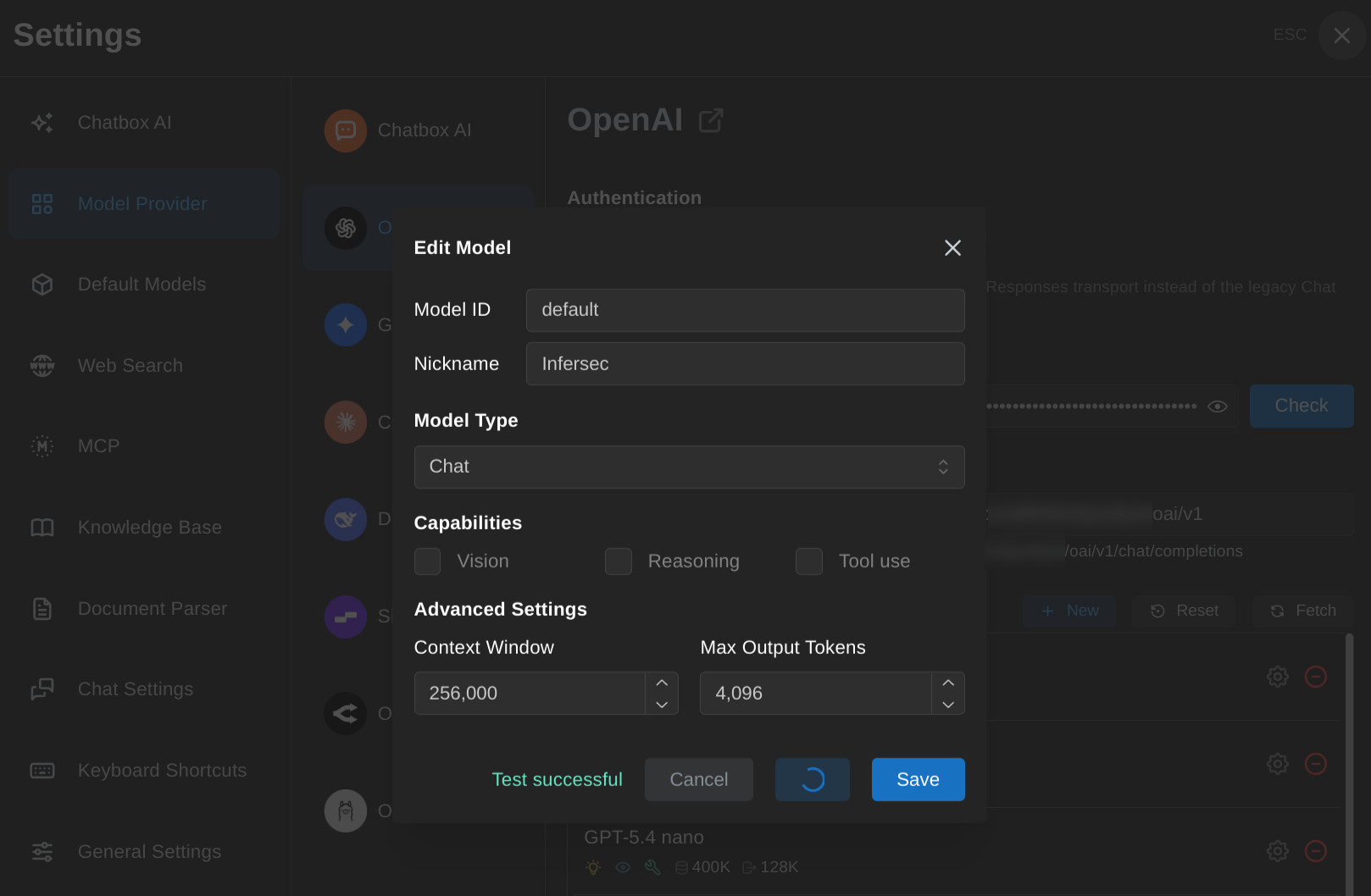
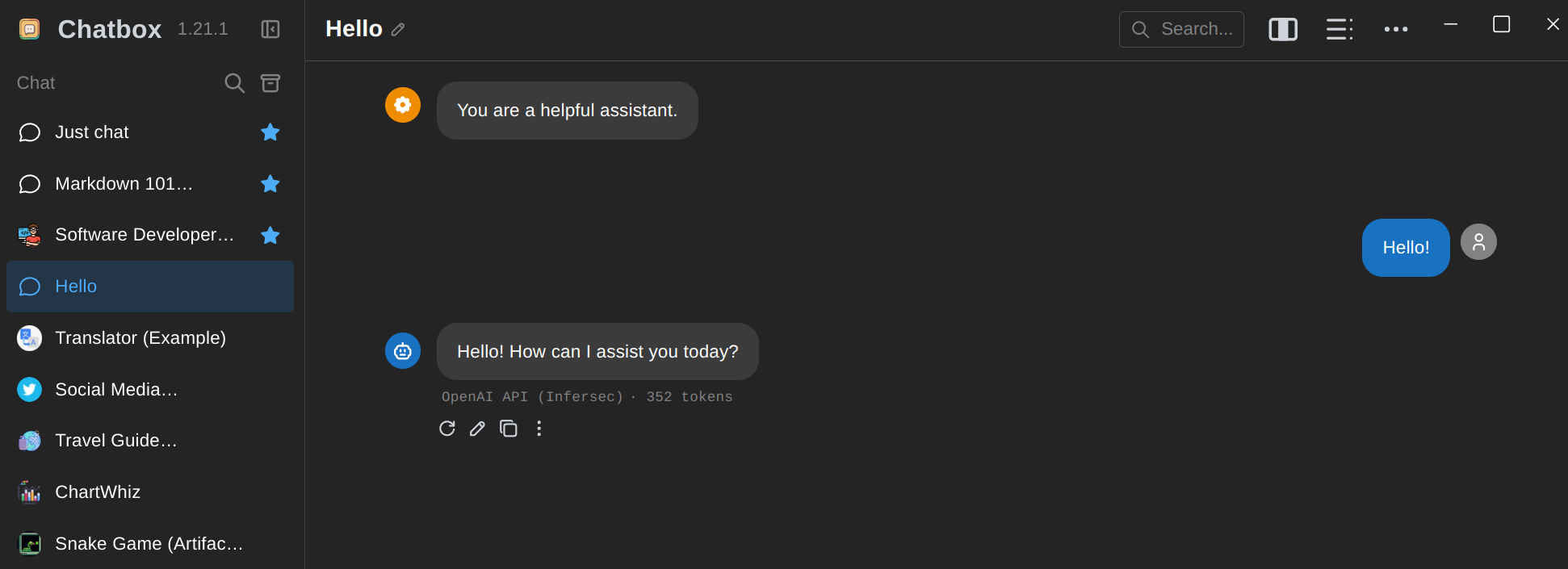
Add a model, choose the OpenAI provider, and set the API Host to your Infersec URL with the key. Hit test and it confirms the round trip.
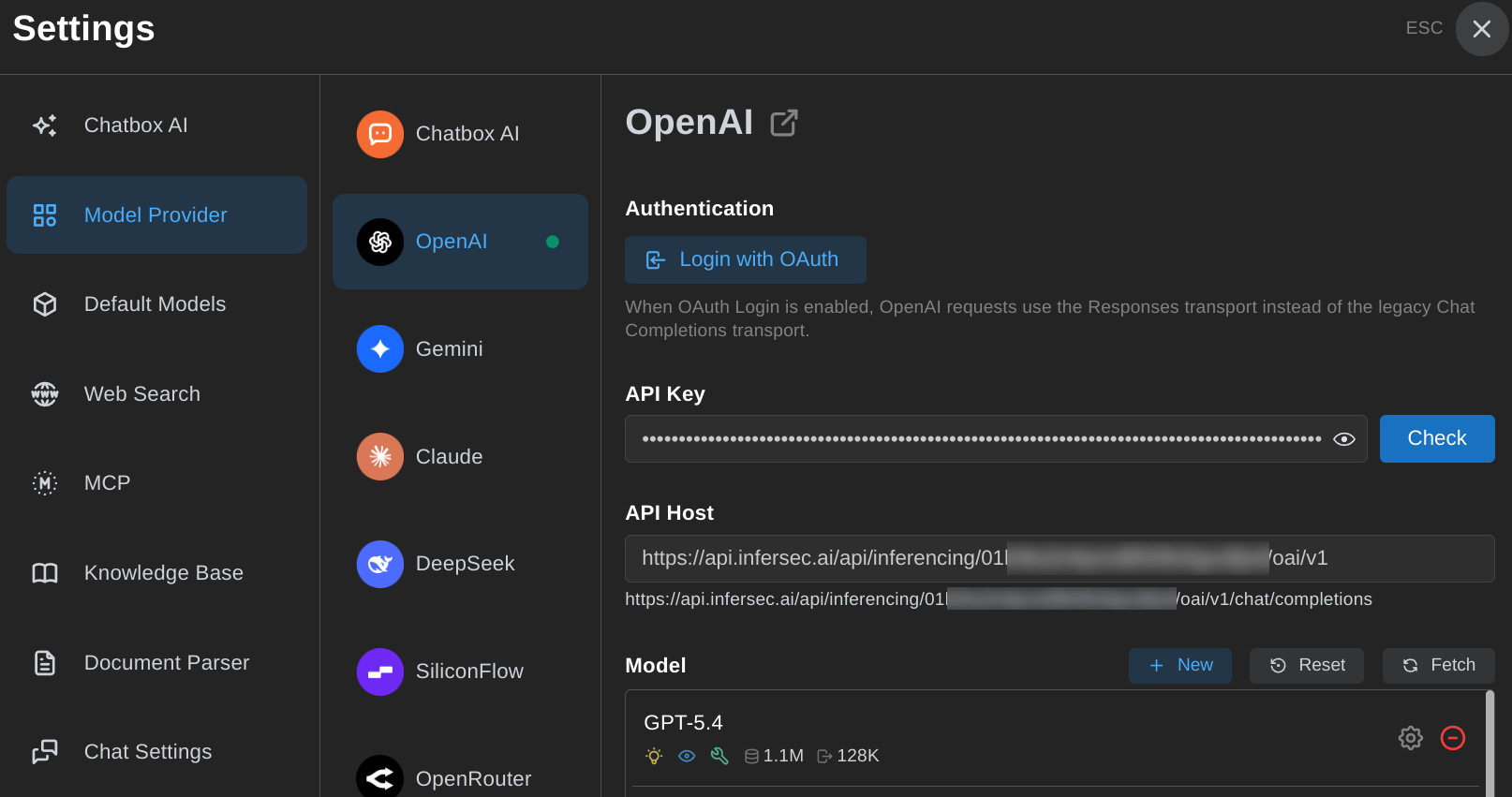
Then chat.
Msty - polished, with a paid Enterprise tier.
Msty takes the same bring-your-own-provider route - Model Hub, Add Provider, paste the endpoint and key - and wraps it in a genuinely nice workspace with personas and knowledge stacks. The desktop app is free; the Enterprise tier adds the things an IT person actually wants: user and team management, roles, an audit log, centralised storage.
Cherry Studio - the fast-rising open option.
Same idea, open-source. Add an OpenAI-compatible provider with your Infersec base URL and key and you're in. Cherry Studio moves fast - it has picked up a ton of stars in a short time - and like Msty it ships a paid Enterprise edition with centralised model and knowledge management, RBAC, and private deployment if you'd rather not run the community build yourself.
The whole stack under your own roof
And if you want full control - no dependency on any host, the lot air-gapped behind your own firewall - Infersec ships as a self-hosted variant too. Same OpenAI-compatible API, your servers, your network, nothing leaving it. For regulated environments, or teams that simply want to own the entire stack, that's the ceiling. There isn't a more private version.
Private AI chat, on hardware you own, through a backend you can audit. That's the whole thing.
Sign up for early access if you want to point it at your own hardware.